About this product
Monthly subscription · Your AI assistant
ChatGPT Plus
Advanced intelligence for complex work
Generate higher-quality images
Work agent for tasks across apps and files
Automate coding with Codex
Expanded memory and 20 GB storage
Connect email and calendars
More project space to organize your work
Tools for personal finance and data analysis
Ad-free
Common questions
What is the reference price?
The reference price is US$20/month. See the monthly option for the store price.
Activation guide
Illustrated steps; follow the instructions in your order.
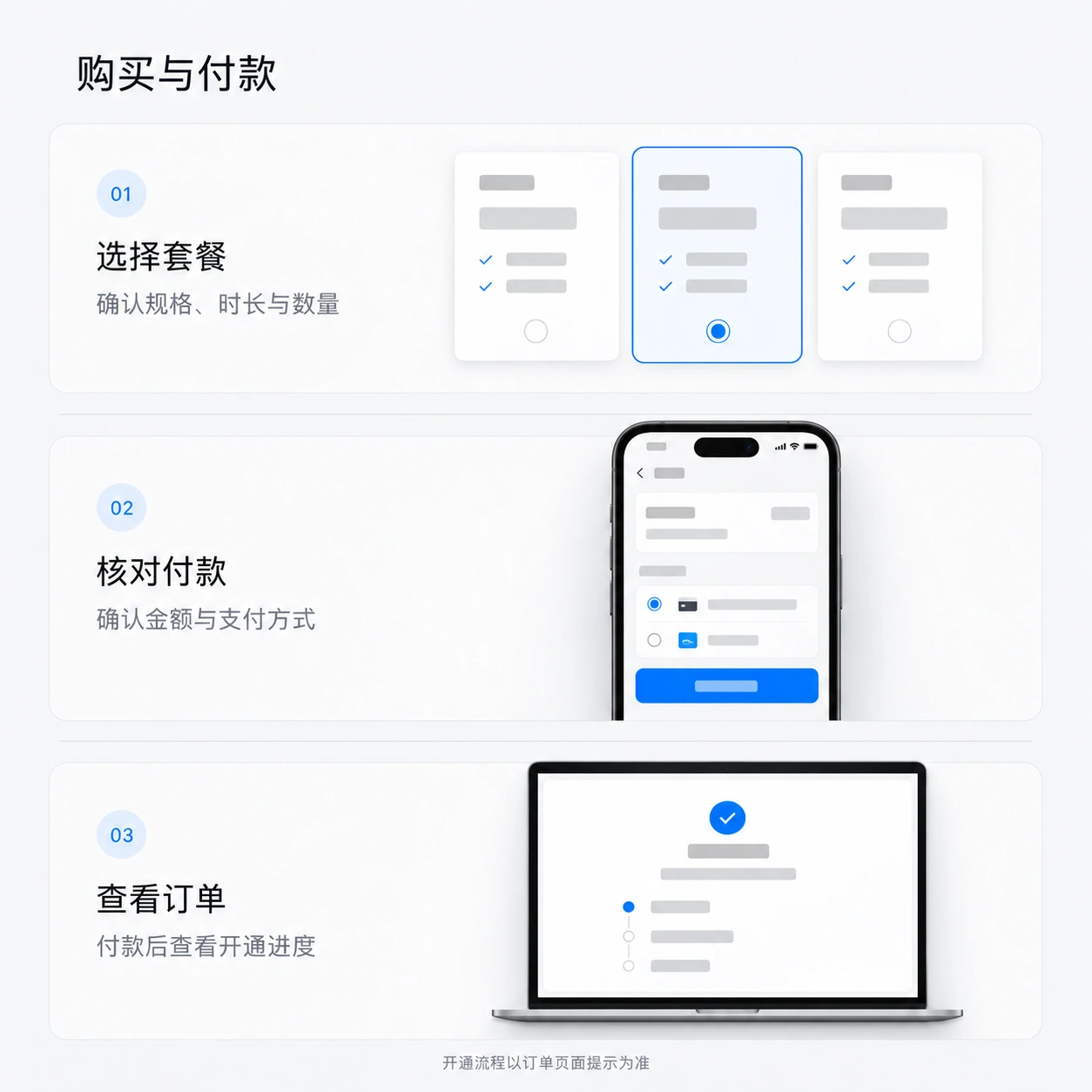
Purchase and payment
- Choose an option and quantity
Check the plan, recharge channel, account requirements and total.
- Place your order and pay
Choose a payment method. For a guest purchase, set your order lookup details, select Subscribe now and follow the payment instructions.
- Return to your order
View delivery progress in your order after payment. Guests can use Guest order lookup to find it again.
Guest orders
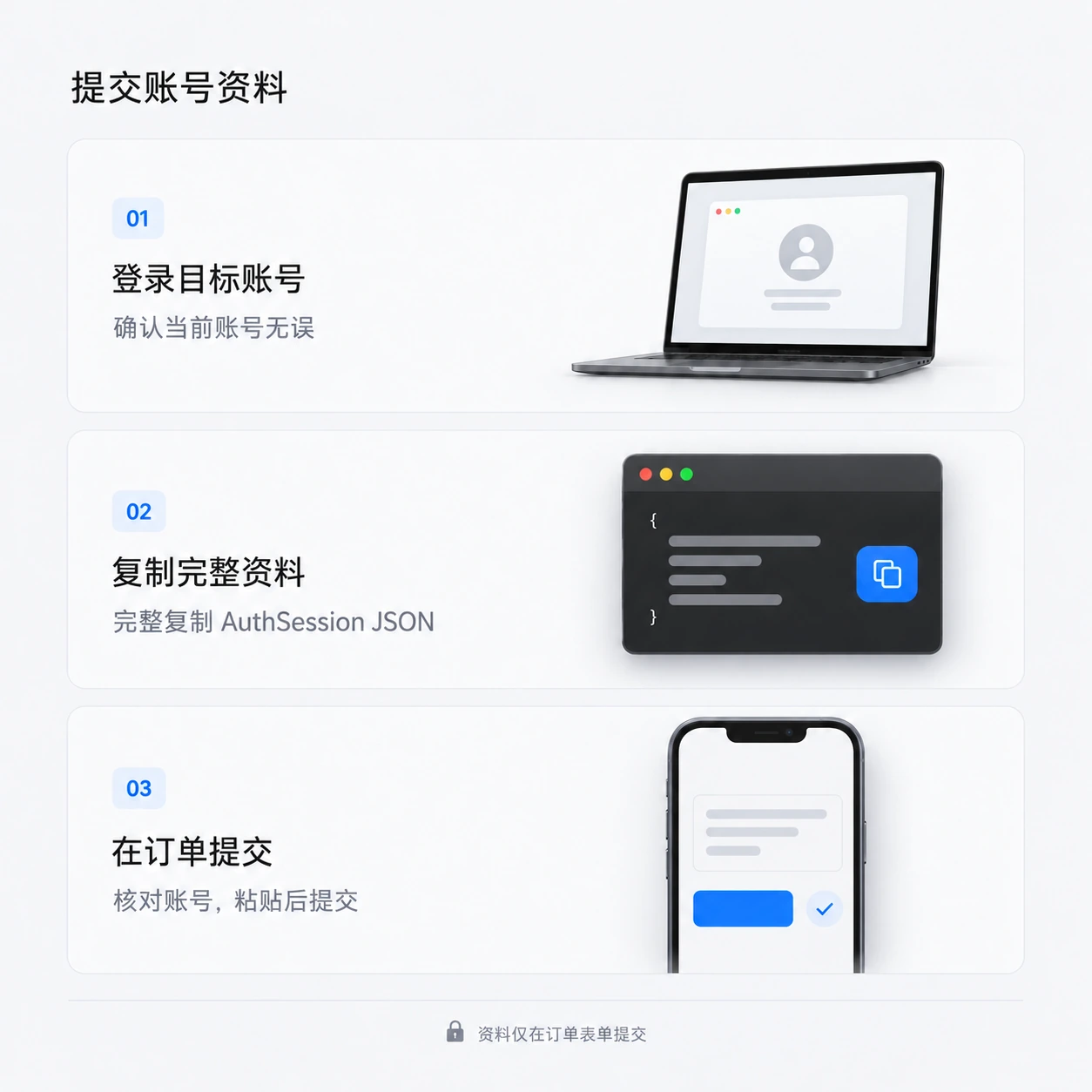
Submit ChatGPT recharge details
- Sign in to the account to recharge
Sign in to the intended ChatGPT account. Check that it is the correct account.
Open ChatGPT - Get the complete AuthSession
While signed in, open the AuthSession page and copy the entire JSON, rather than a single field.
Open AuthSession page - Submit in your order
Paste the complete JSON into each service's order form. Confirm the identified account before submitting.
- Check subscription activation
View processing status in your order. Once complete, check the subscription in the target account.
Secure your accountAuthSession and sessionKey are sign-in credentials. Submit them only in the designated order form; never in chats, groups or screenshots.