About this product
Monthly subscription · Highest Pro usage
ChatGPT Pro 25x
Pro 25x usage tier
Frontier Pro models
Dot, your always-on agent
Usage for work modes and Codex
Expanded memory and 100 GB storage
Early access to new tools and features
Ad-free
Common questions
What is the reference price?
The reference price is US$500/month. See the monthly option for the store price.
Activation guide
Illustrated steps; follow the instructions in your order.
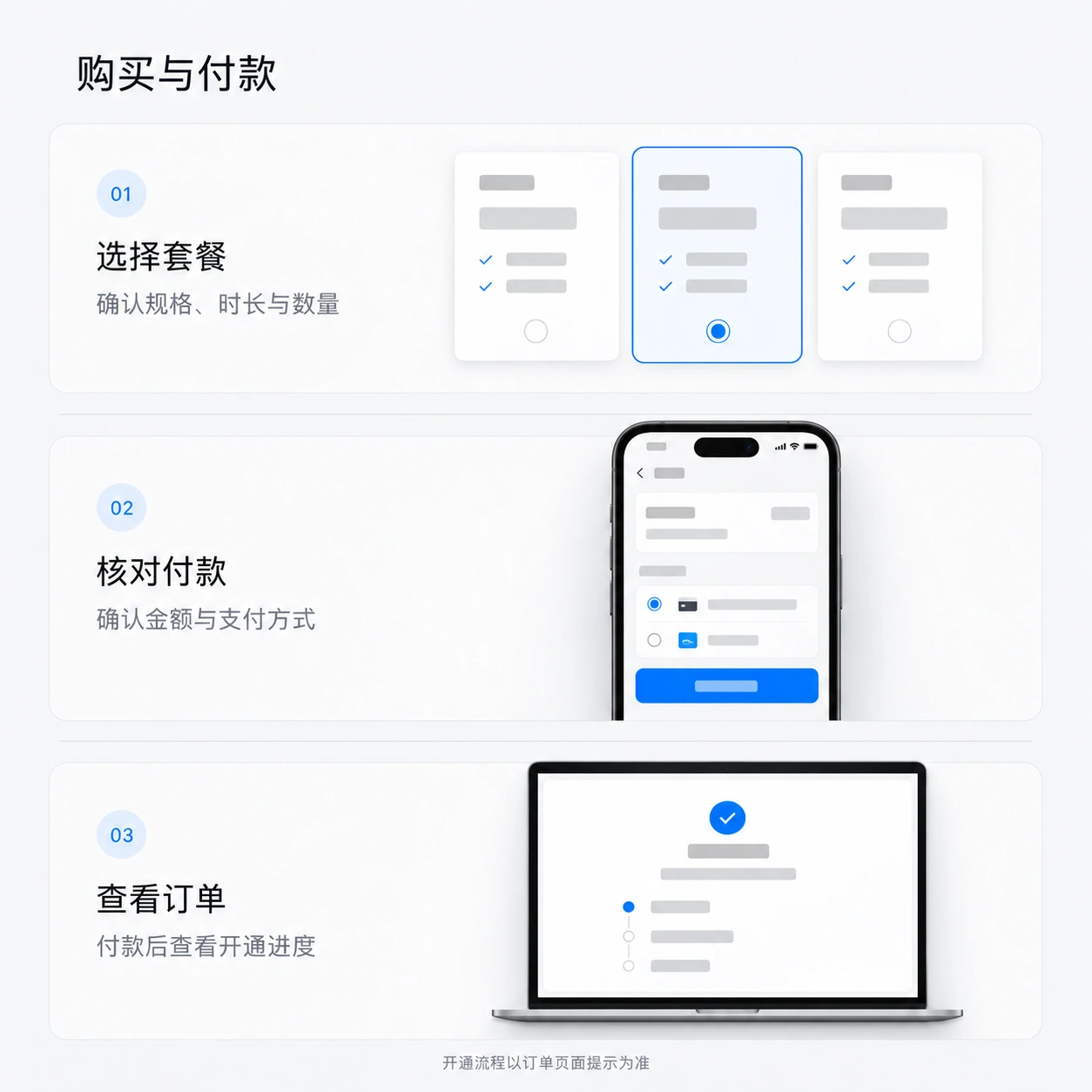
Purchase and payment
- Choose an option and quantity
Check the plan, recharge channel, account requirements and total.
- Place your order and pay
Choose a payment method. For a guest purchase, set your order lookup details, select Subscribe now and follow the payment instructions.
- Return to your order
View delivery progress in your order after payment. Guests can use Guest order lookup to find it again.
Guest orders
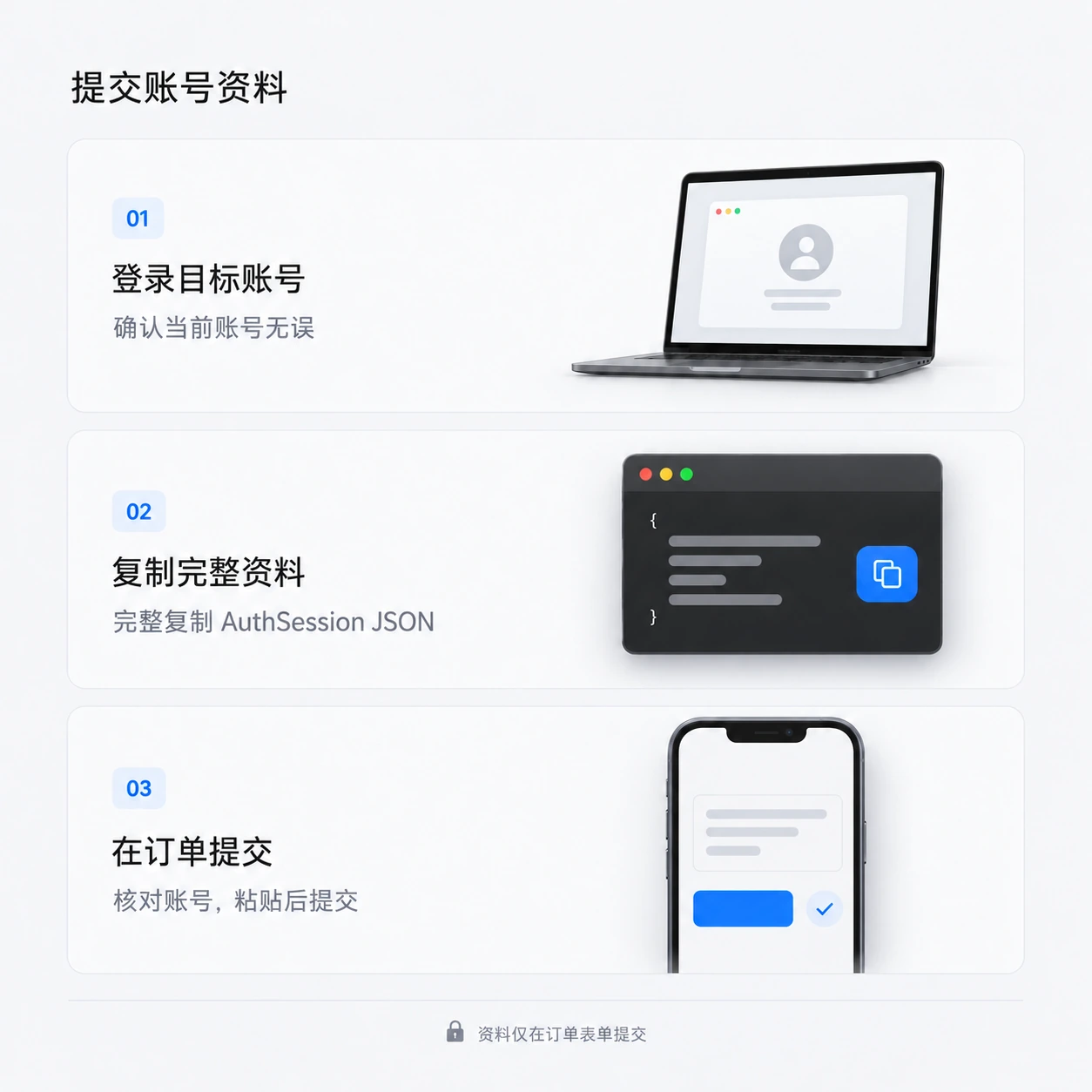
Submit ChatGPT recharge details
- Sign in to the account to recharge
Sign in to the intended ChatGPT account. Check that it is the correct account.
Open ChatGPT - Get the complete AuthSession
While signed in, open the AuthSession page and copy the entire JSON, rather than a single field.
Open AuthSession page - Submit in your order
Paste the complete JSON into each service's order form. Confirm the identified account before submitting.
- Check subscription activation
View processing status in your order. Once complete, check the subscription in the target account.
Secure your accountAuthSession and sessionKey are sign-in credentials. Submit them only in the designated order form; never in chats, groups or screenshots.